 SkyLedgr
Sign as an instructor
SkyLedgr does not check your certificate. The record shows what you entered. An instructor cannot sign an endorsement written for themselves.
What "Signed by" means
Under the checkbox you see Signed by and your name. By ticking I reviewed this endorsement and I am signing it. and tapping Sign, you state that you read the full text and are signing it on purpose. Signing cannot be undone. A mistake is fixed by a new endorsement that supersedes the old one.
Sign in the app
You need a SkyLedgr account paired with the student. See Pair with an instructor.
- Allow notifications when SkyLedgr asks.
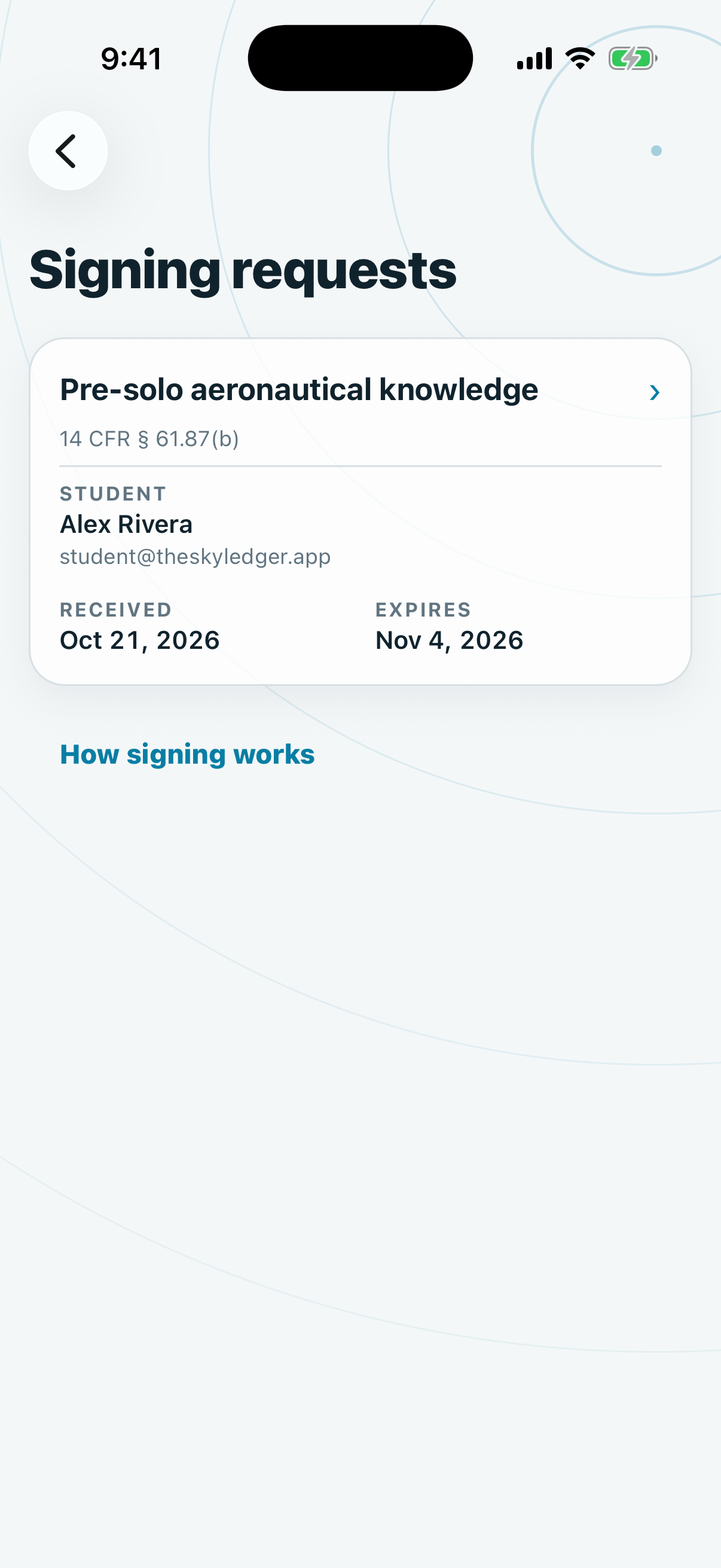
- When the student sends a request, tap the Endorsement to sign notification. Or open More, then Signing requests.
- Tap the request.
- Read the full text.
- Enter Name.
- Enter Certificate number. For Transport Canada it is Licence number.
- Under Certificate, choose Flight instructor or Ground instructor.
- For a flight instructor, choose RE end date or Expiration date and enter the date.
- Check Date of signature.
- Draw your signature in the box.
- Tick I reviewed this endorsement and I am signing it.
- Tap Sign.
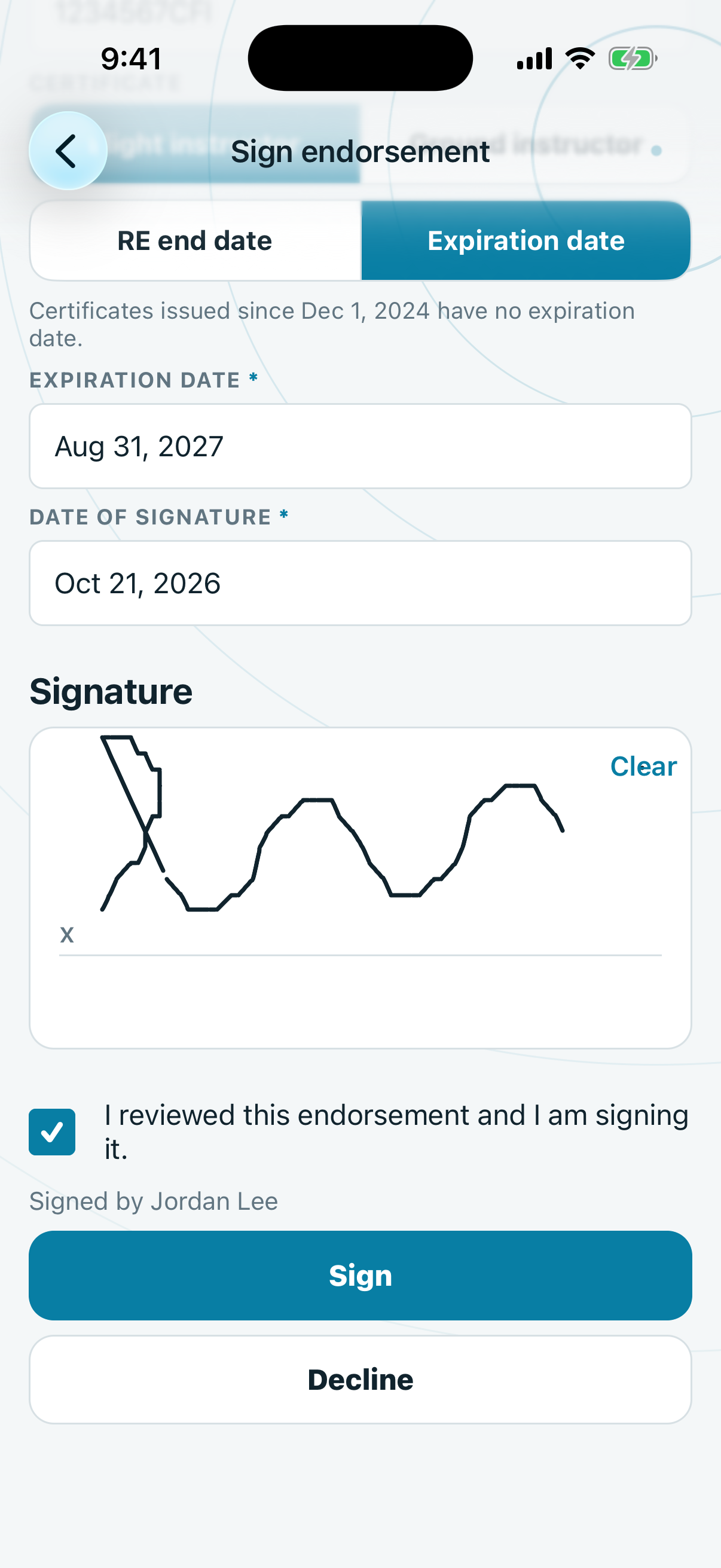
SkyLedgr remembers your name, number and certificate date on this phone for next time.
To refuse, tap Decline and confirm. The student sees that the request ended.
Sign from an email link
You need no app and no account.
- Open the email titled "Signature request".
- Tap Review and sign.
- Read the full text.
- Enter Name.
- Enter Certificate number. For Transport Canada it is Licence number.
- Choose Flight instructor or Ground instructor under Certificate.
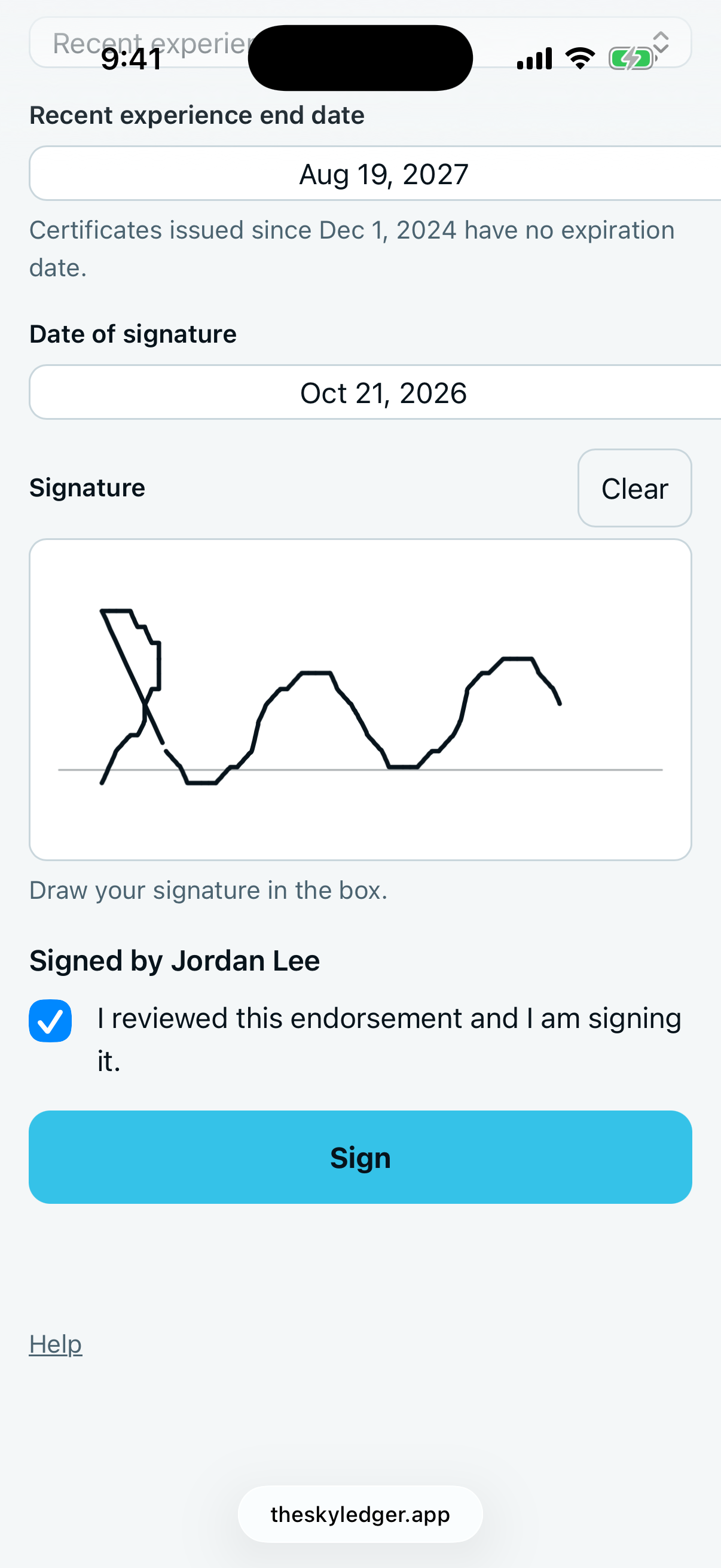
- For a flight instructor, choose Recent experience end date or Expiration date under Date type, then enter the date.
- Check Date of signature.
- Draw your signature in the box. Tap Clear to start again.
- Tick I reviewed this endorsement and I am signing it.
- Tap Sign.
The page shows "Signed. You can close this page." You get a confirmation email with a link to the sealed record.
Each link works once and expires after 14 days. A used or expired link shows a short message instead of the form.