 SkyLedgr
Delete your account
Deleting your account removes your cloud data. This cannot be undone. The logbook on your phone stays.
What is deleted
- Your account and sign-in.
- Your cloud copy of flights, people, aircraft and signed endorsements.
- Your pairings and your signing requests.
- Your notification token.
Online verification pages for your endorsements stop working.
Signatures you gave to other pilots are kept, because they are part of those pilots' records.
What stays
- The logbook on this phone, including its endorsements.
- Backups you made.
Delete
Make a backup first if you want one. See Back up and restore.
- Open More, then Sync.
- Tap Delete account.
- Type DELETE.
- Tap Delete account.
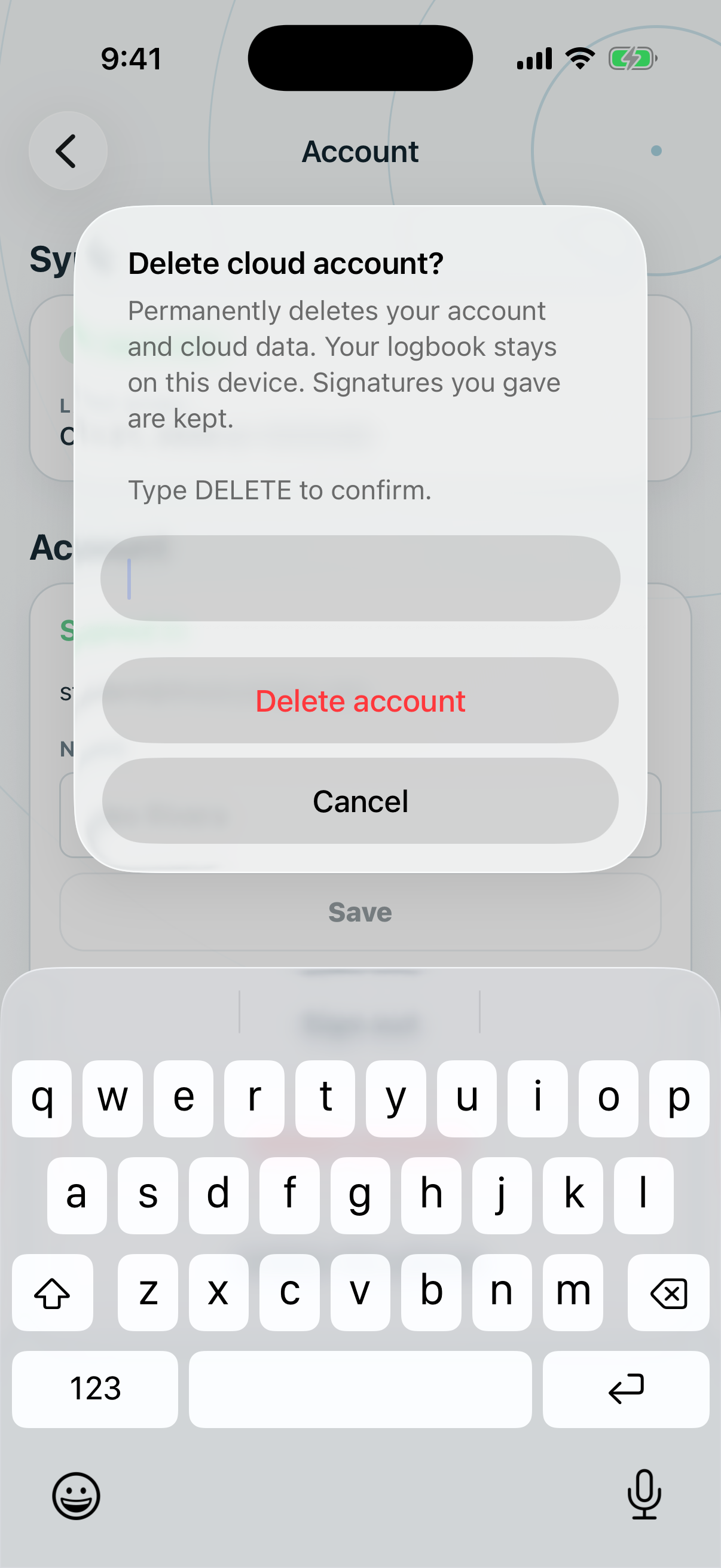
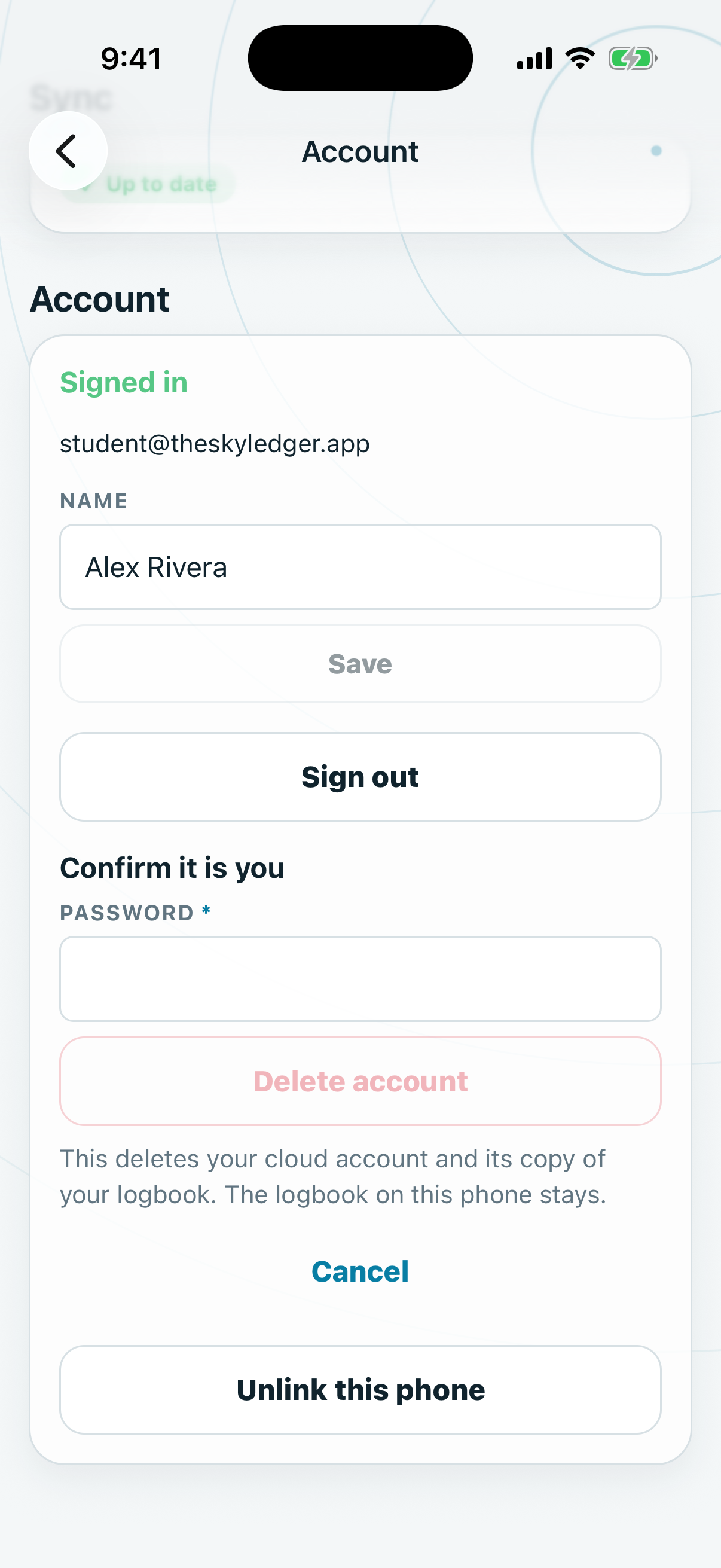
Then confirm it is you, with the method you signed in with:
- Apple: use the Sign in with Apple button.
- Google: tap Continue with Google.
- Email: enter Password and tap Delete account.
The app shows "Account deleted. Your logbook is unchanged." Your Apple or Google access for SkyLedgr is revoked.
An account that owns a flight school with other members cannot be deleted until ownership is resolved.
Use the same email again
You can create a new account with the same email. It starts empty. It is not linked to your old data.
If this phone still has a logbook, Choose a logbook appears after you sign in. Choose Keep this phone's logbook to upload this phone's logbook to the new account.